Is Webflow still relevant? What AI changes and what it doesn't
Webflow is not becoming irrelevant. Its value is shifting from fast page building to scalable, maintainable marketing infrastructure.
August 13, 2026
Webflow is not dead, but the old reason many companies chose it is becoming less persuasive.
A few years ago, speed was one of Webflow's clearest advantages. A designer or developer could create a polished marketing website faster than a traditional development team, without sacrificing control over layout, interactions, or content management.
AI website builders and code-generation tools have changed that comparison. They can now produce a convincing first version of a landing page in hours. Code-first stacks such as Astro, Next.js, Sanity, and Vercel also give capable engineering teams extensive flexibility.
That does not make Webflow irrelevant. It changes the question businesses should ask.
The useful question is no longer, “Which tool can generate the first version fastest?” It is, “Which system will still work when our marketing team has edited, expanded, tested, and maintained the website for the next two years?”
Why Webflow can look less relevant than it is
Most platform comparisons focus on the initial build. They compare how quickly someone can create a homepage, how much visual control the builder provides, or whether AI can generate the code.
That is only version one of the website.
A real business website changes continuously. Teams publish articles, create campaign pages, update positioning, add new services, replace team members, test calls to action, connect analytics, and adjust the site after sales feedback.
A tool that creates an attractive page quickly does not automatically create a system that supports all of those operations safely.
This is where weak and strong Webflow projects separate.
A weak Webflow build delivers pages
A website can look polished while remaining difficult to operate. Common warning signs include:
- Every page is built independently.
- Sections that look identical use different classes and structures.
- Content that should be managed through CMS is hardcoded.
- Marketing cannot launch a new landing page without a developer.
- Small visual changes require editing dozens of elements.
- The client is afraid to touch the Designer or CMS.
- SEO fields, redirects, analytics, and performance were handled as afterthoughts.
In this situation, Webflow is being used as a visual page builder. The platform may still be capable, but the implementation does not provide much long-term value.
A strong Webflow build creates marketing infrastructure
A properly planned Webflow website gives the marketing team a controlled operating system for the site.
Structured CMS architecture
Articles, authors, categories, industries, services, case studies, testimonials, locations, and related content should be modeled intentionally. Reference and multi-reference relationships keep data reusable and consistent instead of forcing editors to enter the same information repeatedly.
Reusable components
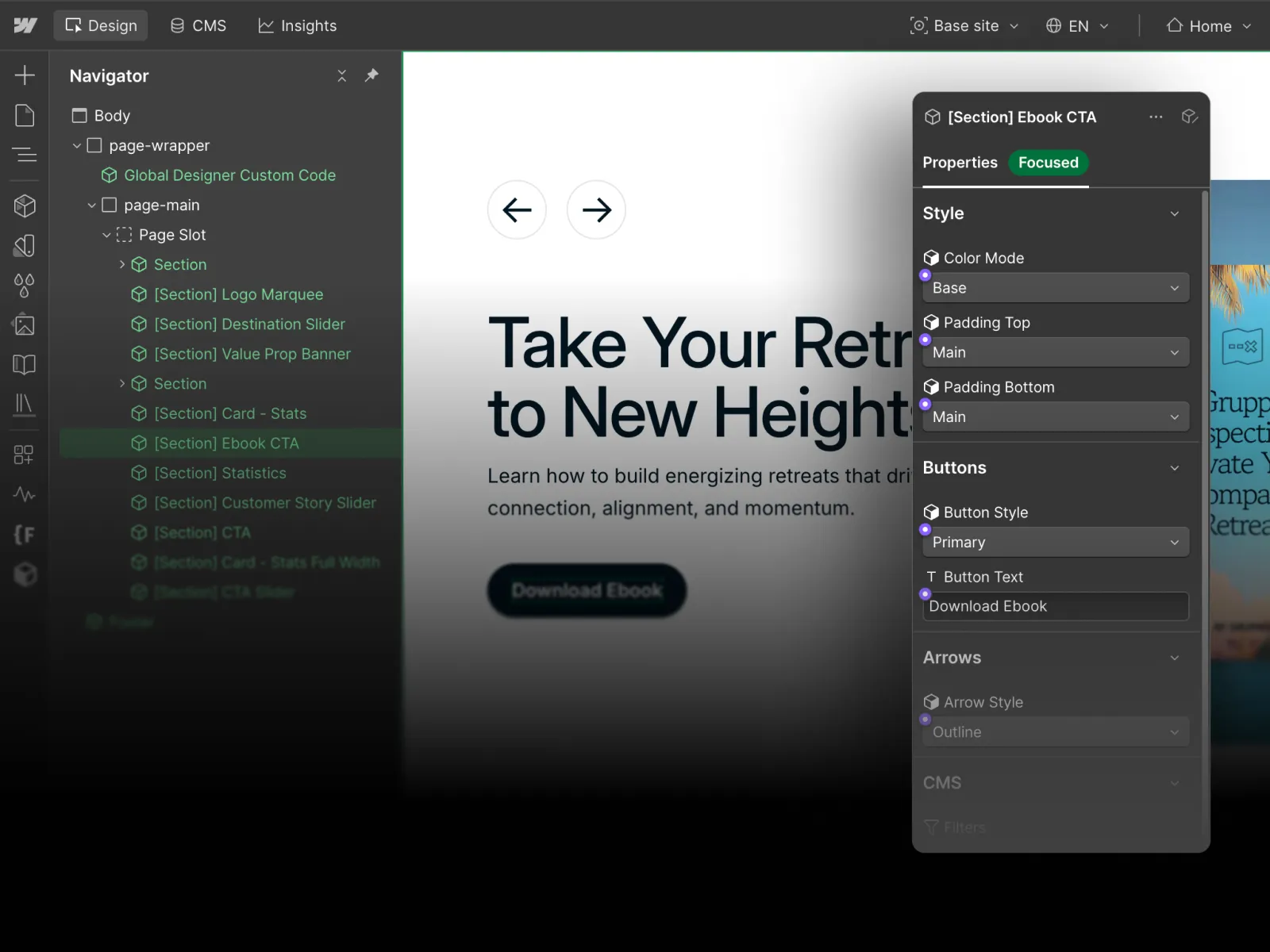
Headers, calls to action, cards, forms, pricing blocks, testimonial sections, and campaign modules should be reusable. A team can then create new pages without rebuilding the design system every time.
Predictable class structure
A clear naming system, global spacing rules, variables, and reusable utility classes make future changes faster and safer. The website becomes understandable to another Webflow developer instead of depending permanently on the person who built it.
Controlled editing
The client should be able to update the content they own without accidentally breaking layout, spacing, or responsive behavior. That requires more than a handoff call. It requires deliberate CMS fields, component properties, validation, conditional visibility, and sensible limits.
SEO, analytics, and performance foundations
Metadata, canonical logic, redirects, structured data, internal linking, image handling, analytics events, and loading behavior should be part of the build. They should not become a separate repair project after launch.
This is the type of system we create through our Webflow development process: not just a collection of finished pages, but a site the client's team can continue using.
AI solved version one, not version forty-seven
AI has dramatically reduced the cost of producing an initial concept. That is useful. Founders can test an idea, create an internal prototype, or validate messaging without commissioning a complete custom website.
The harder problem appears later.
What happens after several people have changed the code? What happens when the site needs a second language, a resource library, industry pages, gated content, reusable campaign sections, structured analytics, and a new design direction?
AI can assist with all of those tasks, but it does not automatically produce governance, ownership, consistency, or a maintainable architecture. Those outcomes still depend on the decisions made by the people designing the system.
When Webflow is usually a strong choice
Webflow is particularly effective when:
- A marketing team needs to publish and update content regularly.
- The website is primarily a marketing, content, lead-generation, or brand platform.
- The company needs reusable landing-page and campaign systems.
- Non-technical editors need meaningful control after launch.
- The site requires custom visual design without a permanent frontend team.
- CMS content, SEO, localization, forms, and integrations are central to the project.
- The business values a clean handoff and lower developer dependency.
When a custom stack may be better
Webflow is not the correct answer for every project. A custom application stack may be more appropriate when:
- The website is tightly connected to a complex software product.
- It requires advanced authentication, application state, or highly custom user workflows.
- The company has an internal engineering team that will actively maintain the frontend.
- The interface depends on complex real-time data or product logic.
- The technical architecture must share code directly with an existing application.
The professional decision is not to defend one platform. It is to identify which operating model fits the client.
How to evaluate the platform decision
Before choosing Webflow, an AI builder, or a custom stack, answer these questions:
- Who will maintain the website after launch?
- How often will the content and page structure change?
- Does the team need to create new pages without engineering support?
- Which content types should be reusable across the site?
- What integrations, localization, analytics, and SEO requirements exist?
- Is the project a marketing website or a software application?
- Will the chosen system remain understandable to the next person who inherits it?
These questions reveal more than a feature comparison.
The role of Webflow is changing
Webflow's defensible value is no longer simply that it lets someone build a website visually. AI has made basic page production easier across almost every platform.
Its value is the ability to combine custom design, structured content, reusable systems, visual development, and controlled client ownership in one environment.
That value only appears when the website is planned and built properly.
Review examples of structured marketing websites in our selected Webflow projects, or explore the broader website strategy, design, and development services behind them.