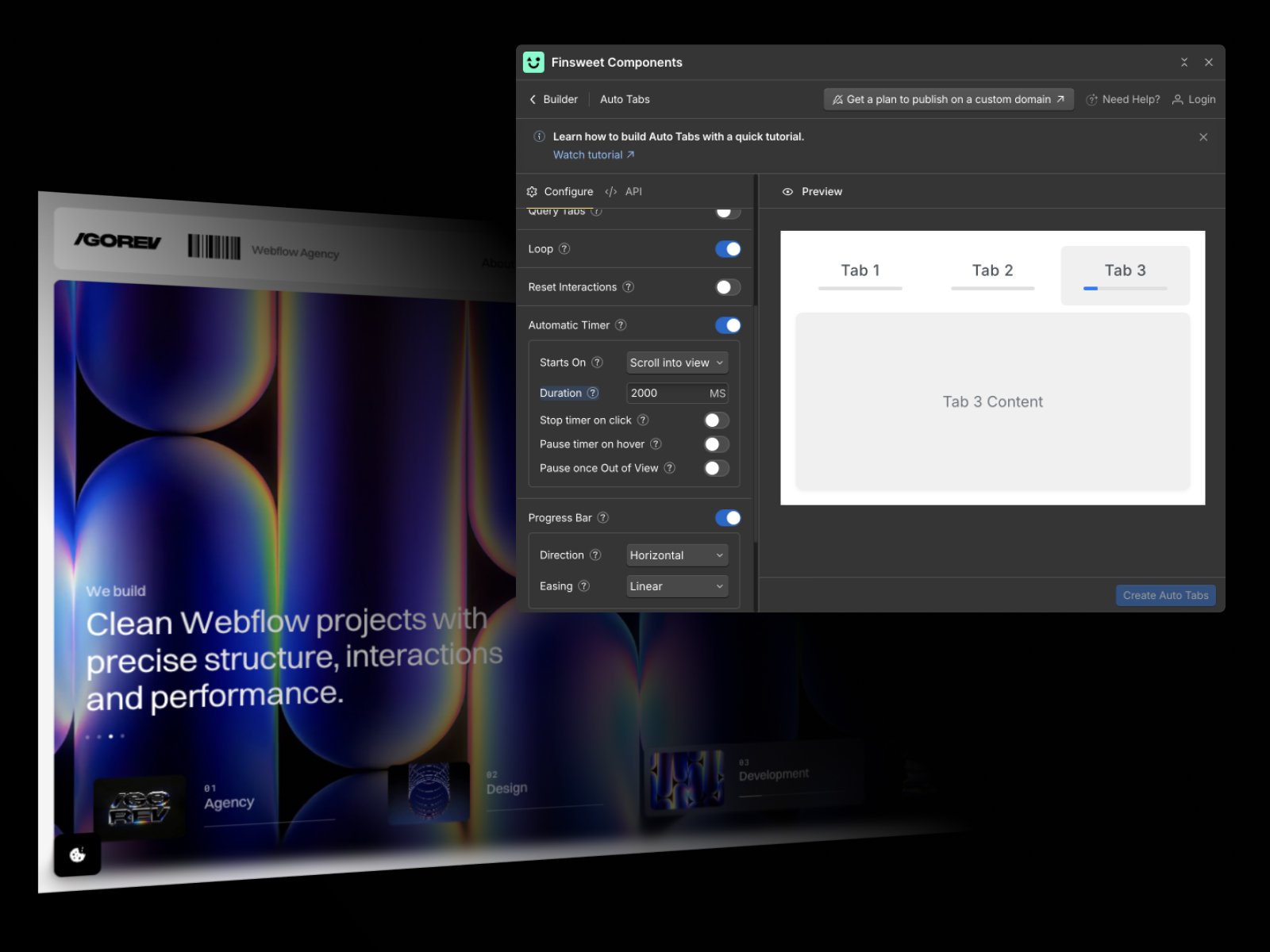
Figma to Webflow: our process, pricing & real project examples
From approved Figma designs to scalable Webflow websites: our process, example cost and time estimates, and real client work from Longevity Health, FastFit and CiGen.
November 6, 2026
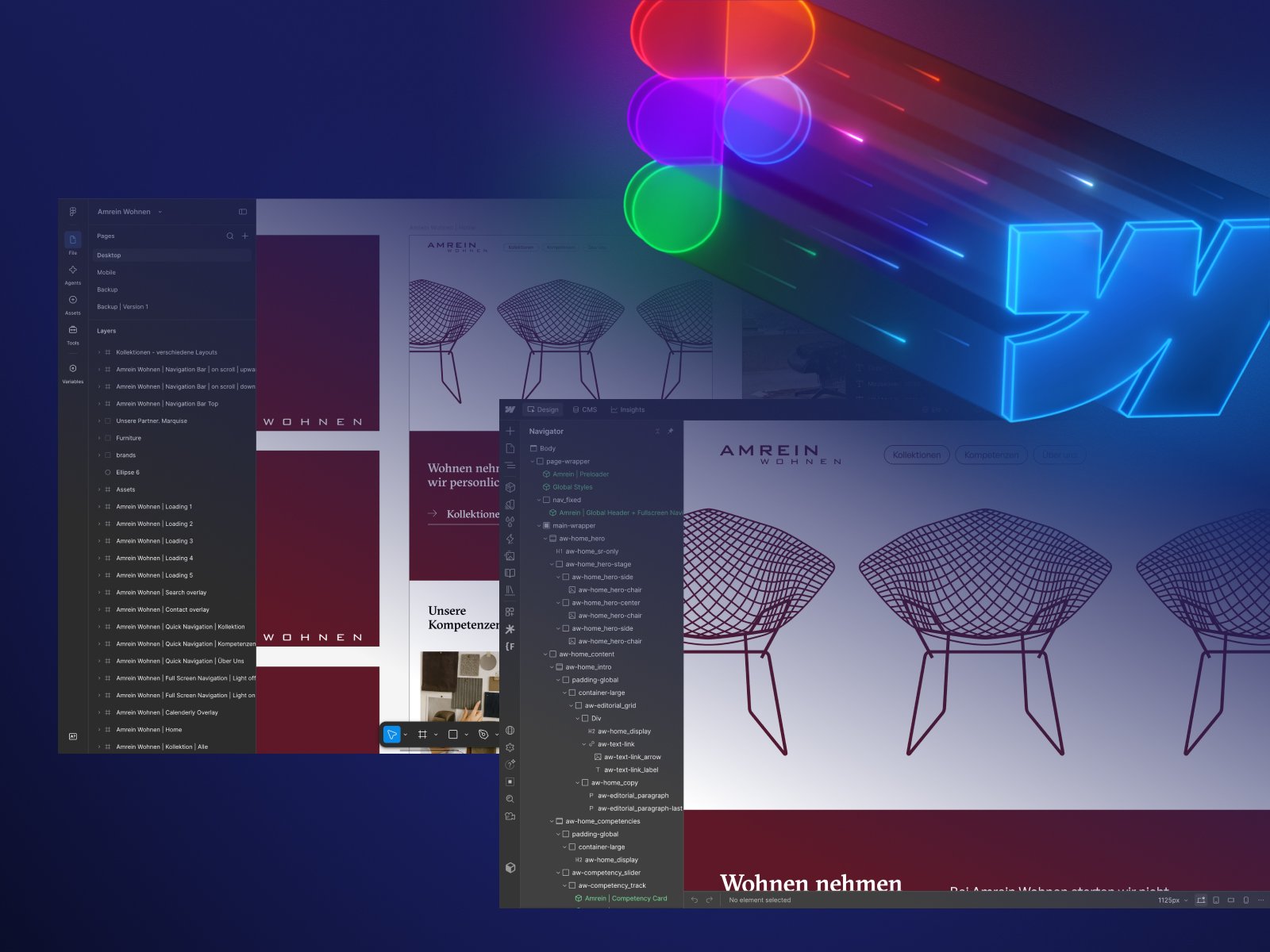
Moving a visual design from Figma into Webflow is more than reproducing a screenshot. The useful result is a responsive, editable website that still respects the original design. At Igorev Agency, we treat Figma-to-Webflow as a development and QA process, not an export button.
The sections below explain our development workflow, show how to estimate Webflow implementation by scope rather than page count, and draw on projects already published in our portfolio. The cost figures are transparent examples based on modeled development effort, not private client invoices.
What Figma-to-Webflow development includes
A typical project starts with design audit and asset preparation. We map templates and repeated sections, define responsive rules, plan CMS collections, establish variables and reusable classes, implement components and animations, test at representative viewports, and finish with content, SEO and publishing checks.
The important part is identifying what should be a reusable component, a CMS template, or a unique page section. Building every Figma frame independently might look accurate on day one, but it creates maintenance cost.
Our five-stage process
1. Audit the Figma source
We check pages, desktop and mobile frames, missing states, interactions, typography, font licensing, assets, CMS expectations and the handoff comments. If mobile frames are missing, the responsive treatment becomes an explicit design decision rather than a guess hidden in implementation.
2. Establish the Webflow design system
We connect typography, colors and spacing to variables where appropriate, set shared container rules and use a consistent class strategy. We reuse existing project conventions rather than introducing a second, competing class system.
3. Implement pages, CMS and interactions
We build responsive layouts, dynamic collections and reusable components. For interactions, the choice is between native Webflow tools and custom libraries such as GSAP or Swiper, depending on what the design actually needs. We avoid adding custom JavaScript simply because it is possible.
4. Validate in a browser
QA includes small and large screens, layout overflow, text wrapping, interactions, touch input, form behavior, links, CMS edge cases and loading states. A Webflow Designer screenshot is not proof that the published page works the same way.
5. Launch and hand off
We check technical SEO essentials, redirects where needed, indexing, analytics expectations, permissions and what the client's team should edit after launch. The best handoff is a clean, understandable Webflow project, not merely a public URL.
What affects Figma-to-Webflow cost?
The number of unique templates matters more than the raw number of URLs. So do interaction complexity, responsiveness, CMS architecture, integrations, design completeness, localization, and whether the existing Webflow site has a reusable design system. Complex navigation and bespoke GSAP motion can demand more effort than multiple conventional content pages.
The clearest way to price Webflow implementation is by development hours and complexity, not by the number of Figma frames. Unique page templates, CMS architecture, bespoke animation, integrations and missing responsive states determine the actual scope.
The ranges below are illustrative planning estimates for development from approved designs, not fixed Igorev Agency packages or the actual fees of the clients featured in this article. They assume approximately $60 per development hour as a transparent calculation model, not as a published agency rate. Quotes may use different pricing or scope.
Small landing page - 20 to 40 hours
Illustrative budget: $1,000-$2,000. Calendar time: roughly 1-2 weeks. Assumes one approved landing page, responsive implementation, modest animations, a form and focused QA.
Multi-page marketing website - 60 to 100 hours
Illustrative budget: $3,000-$5,000. Calendar time: roughly 3-6 weeks. Assumes five to eight unique layouts or templates, reusable components, moderate animations, basic CMS collections and launch QA.
Complex CMS-driven website - 120 to 260 hours
Illustrative budget: $6,000-$13,000. Calendar time: roughly 6-11 weeks. Assumes more templates, content relationships, complex CMS models, custom interactions or integrations and deeper testing.
These estimates exclude full UX redesign, strategy, significant copywriting, hosting, paid fonts and third-party licences. Calendar timelines assume timely assets and approvals; the number of CMS-generated URLs is not equal to the number of custom templates that must be built.
Real examples: translating approved Figma designs to Webflow
Longevity Health
Longevity Health Club in Heidelberg came to us with approved Figma designs and a growing launch scope. We had to preserve a premium editorial identity across a substantial health and wellness site while keeping its content manageable by the client.
The difficulty was not a single elaborate animation. The brand spans a Lounge, diagnostics, regenerative treatments, sport, education and commerce-related experiences. We implemented a modular multi-page system using Client-First conventions and reusable sections, rather than treating each page as a standalone build.
Webflow CMS powers treatment content, including pages for six regenerative applications. Interactive tabs, sliders, inquiry and newsletter flows, and paths into external booking and e-commerce services had to fit the same responsive structure. This is a practical example of why a Figma handoff needs CMS planning and content edge-case testing.
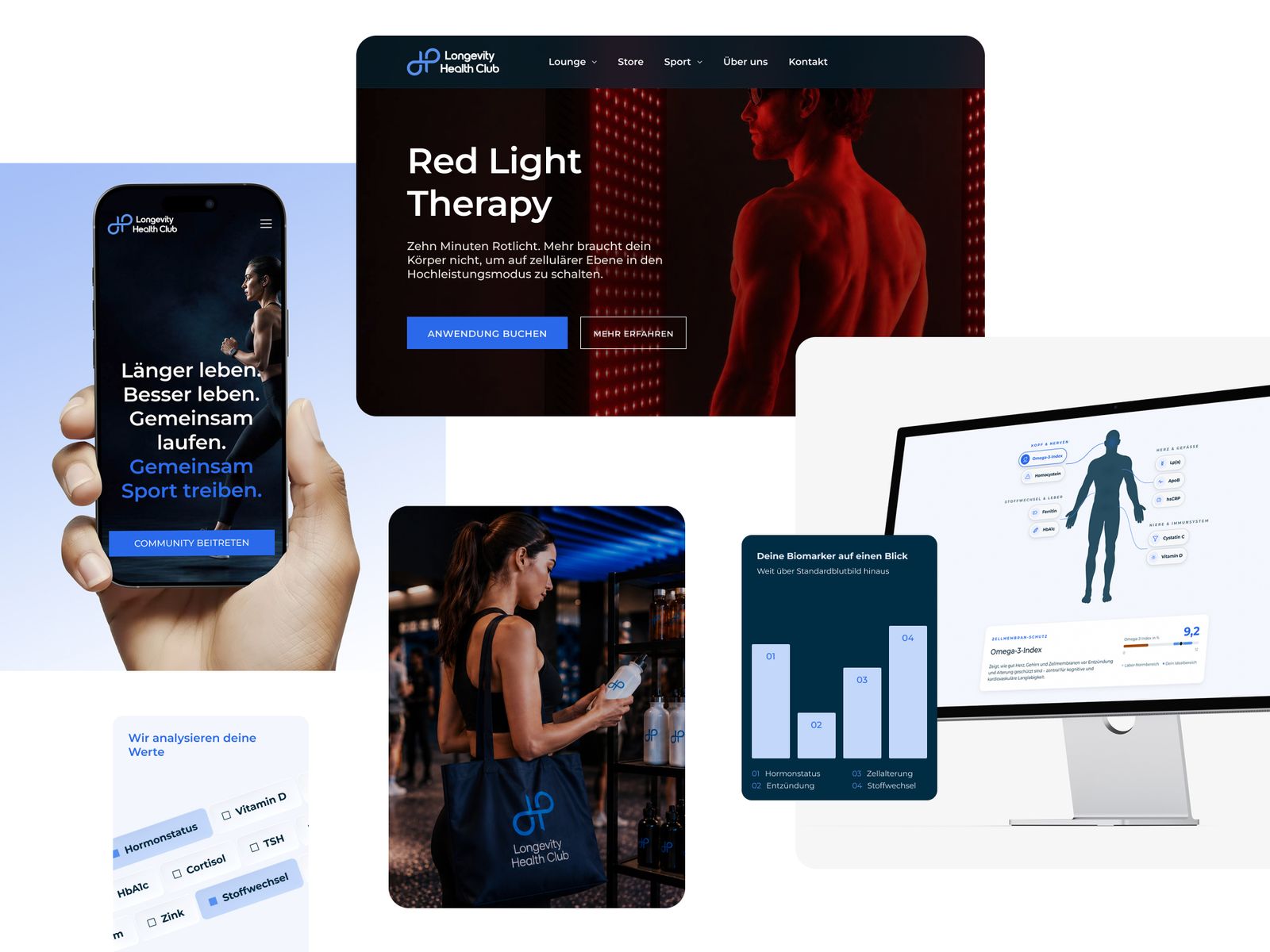
Explore the Longevity Health case study.
CiGen
CiGen is a more focused example of design fidelity: translating supplied Figma layouts into a responsive Webflow site with smooth, restrained animations. Its priorities were polished presentation and interaction details rather than a large multi-category CMS.
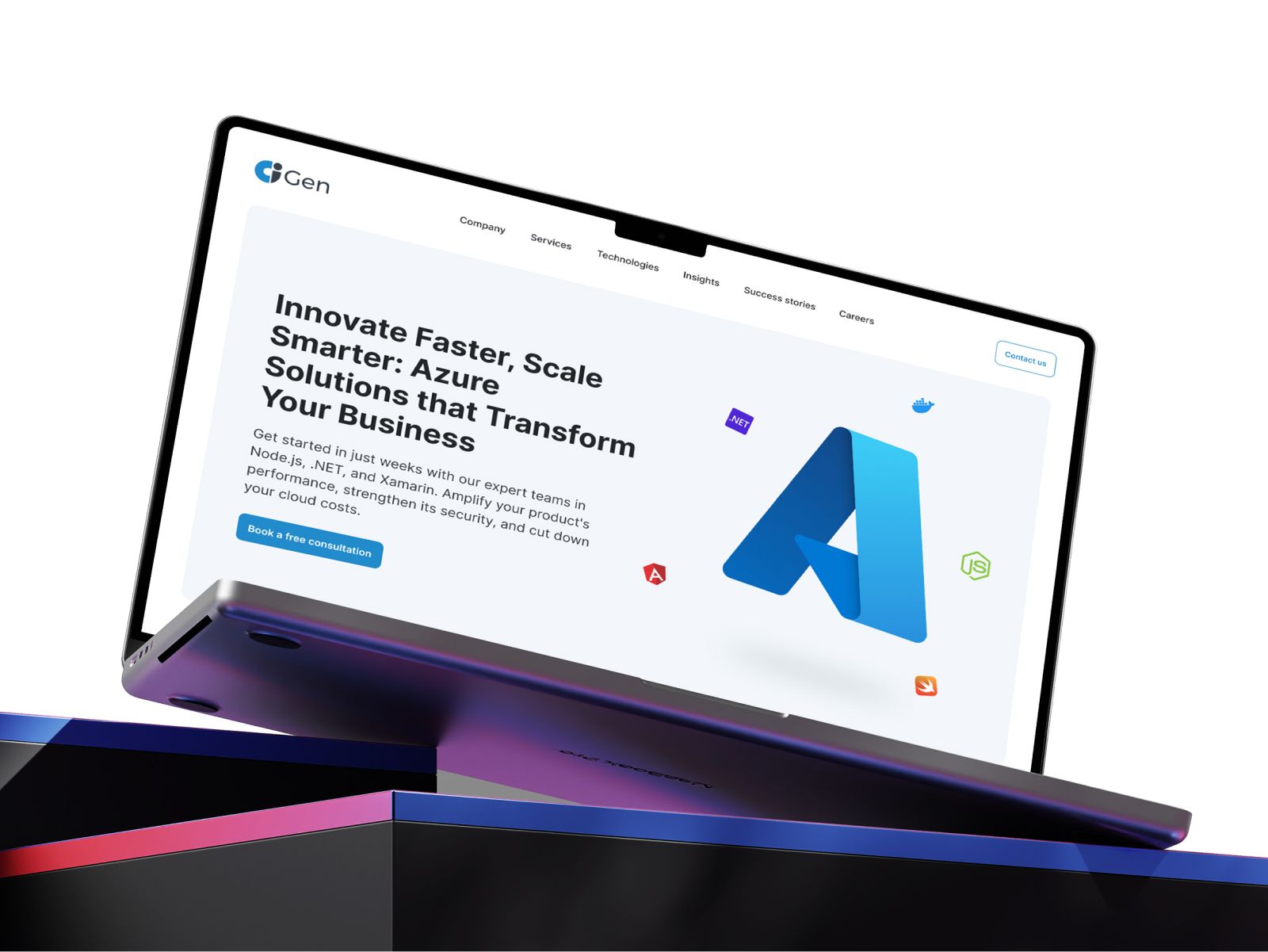
Explore the CiGen case study.
FastFit
FastFit EMS required an approved Figma design to become a scalable Webflow platform for a fitness business with multiple locations. The technical challenge was not reproducing a homepage but maintaining consistency across many content-heavy page types.
FastFit's approved layouts needed to work across location pages, service descriptions, brand storytelling and franchise-oriented conversion paths. We built repeated page structures and CMS-driven content rather than hard-coding every URL.

The project also involved responsive interaction work, shared components and integrations, with heading hierarchy and CMS SEO fields planned for location discoverability. The lesson: a location template is not finished when one sample page looks correct; it also needs to handle changing content at scale.
Explore the FastFit case study.
Can AI convert a Figma design to Webflow automatically?
AI and Webflow MCP can assist with bounded tasks such as changing page structure, CMS operations, and prototyping interactions when access and supported tools are available. They do not independently establish responsive design rules, content architecture or acceptance-quality QA. Automatically generated markup can be a useful starting point, but native, editable Webflow structure still matters.
We evaluate automation by whether it improves a real implementation: fewer repetitive edits, fewer regressions and an understandable handoff. The final published result still needs manual design review and browser testing.
What should you prepare before sending the Figma file?
Provide the source design and access to comments, the fonts and exportable assets, important interaction references, CMS requirements, content status and a list of key launch constraints. A complete responsive design is ideal, but missing states can be documented as implementation decisions.
We also have a pre-development checklist for teams organizing their handoff.
Common Figma-to-Webflow questions
What if mobile designs are missing?
Missing mobile screens do not prevent a build, but they create design decisions: stacking order, cropped assets, navigation, cards, and interactive behavior. Those adaptations should be specified and reviewed instead of silently assumed.
Is SEO included in a Figma-to-Webflow build?
Basic technical SEO can be scoped into development, including metadata, semantic heading structure, indexing checks, responsive image handling, CMS URL patterns and redirects for migrations. Content strategy, keyword research and ongoing SEO growth are separate work unless explicitly included.
Will the website remain editable after launch?
Yes, if reusable sections, CMS fields and editor permissions are designed as part of the implementation. Hardcoded embeds and one-off scripts may still require developer support. We evaluate maintainability alongside design fidelity.
Choosing a Figma-to-Webflow partner
Assess Webflow build quality, not only screenshots. In a Webflow Premium Partner project, we look at class organization, variable usage, CMS editing, responsive behavior, animation edge cases and post-launch ownership. Strong source designs deserve a clear implementation process, but an agency's partner status is not a replacement for reviewing actual case studies.
See our Figma-to-Webflow development service for an implementation-focused scope, or read what makes a clean Webflow build to understand how we approach maintainability.