When should you redesign your website? Signs a refresh is no longer enough
Learn when a website needs a full redesign instead of a refresh, with practical signs, trade-offs and lessons from rebuilding the Igorev Agency website.
August 18, 2026
A website does not need a redesign simply because it is a few years old.
The stronger signal is structural: the business has changed, but the website can no longer represent, support or scale with it.
Sometimes a refresh is enough. Updated copy, stronger visuals, performance work or a few improved sections can solve the real problem without rebuilding everything. A redesign becomes more reasonable when the issues affect positioning, information architecture, CMS structure, user journeys and the underlying system at the same time.
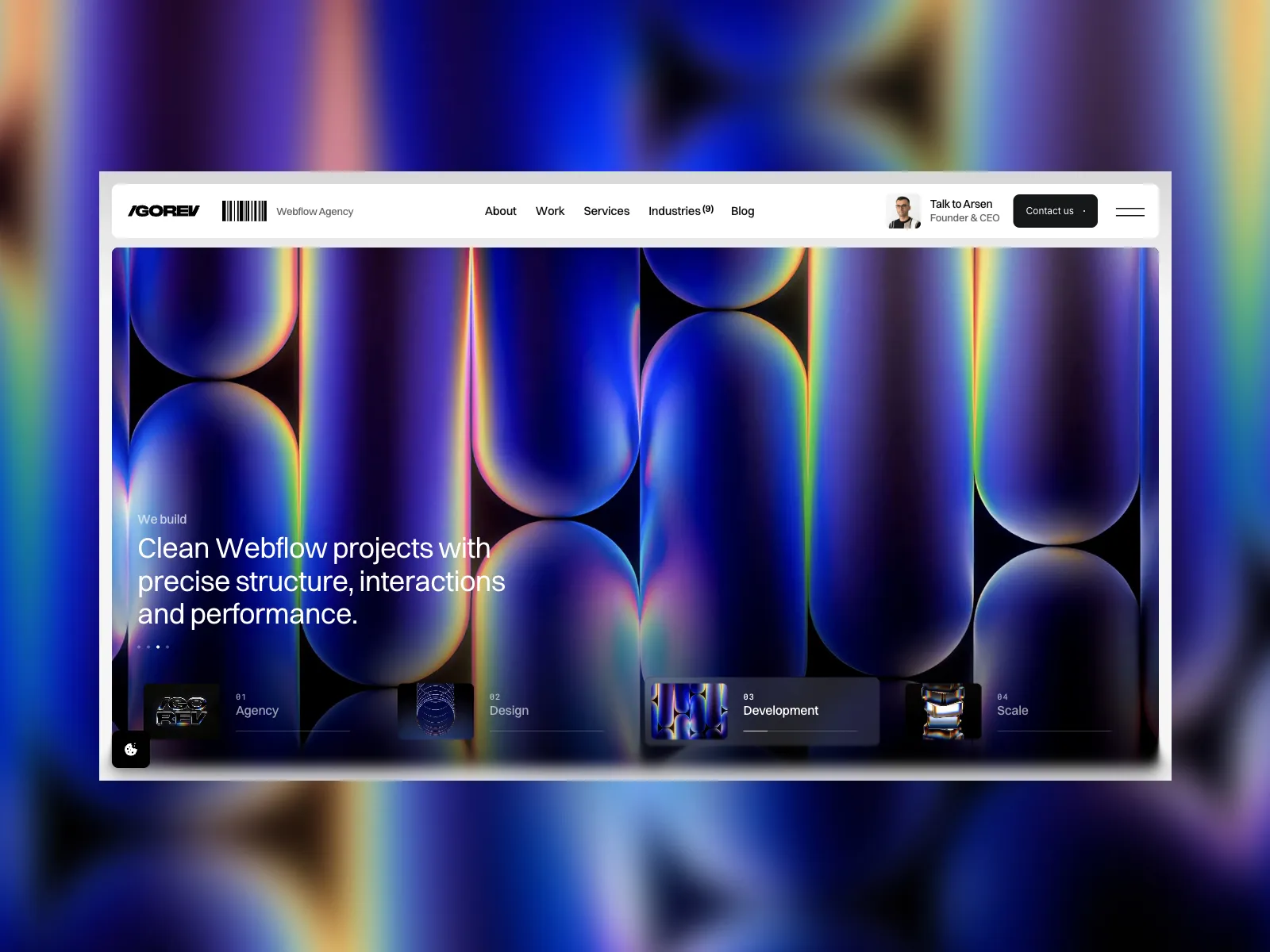
We recently reached that point with our own website. Igorev Agency had changed significantly, while the previous site still reflected an earlier version of the business. What started as an idea to improve a few areas eventually became a full redesign and rebuild.
This guide explains how to tell the difference before committing to either option.
What is the difference between a website refresh and a redesign?
A website refresh improves the existing system without fundamentally replacing it.
Typical refresh work might include:
- Updating copy and positioning on selected pages.
- Refreshing imagery and visual details.
- Improving a few layouts or sections.
- Cleaning up navigation.
- Optimizing performance.
- Improving calls to action.
- Fixing technical SEO issues.
A redesign goes deeper. It changes the structure, design system, content architecture, page hierarchy or technical implementation because the existing foundation no longer fits the business.
The decision should therefore be based on where the problem lives. If the problem is mostly on the surface, start with a refresh. If several core systems no longer work together, a redesign becomes easier to justify.
1. The website no longer represents the business
This was the clearest signal in our own redesign.
Igorev Agency had grown. The type and complexity of our projects had changed. The team had changed. Our positioning had become clearer, and our approach to Webflow projects had moved further toward structured, scalable website systems rather than isolated page production.
The old website was not necessarily broken. It was simply describing a version of the agency that no longer existed.
This is a common reason to redesign. A company may have:
- Moved into a different market.
- Changed its core services.
- Started selling to a different type of buyer.
- Expanded into new industries.
- Changed how projects are delivered.
- Built stronger evidence than the current site communicates.
If the company has to explain away its own website during sales conversations, the problem is usually larger than a visual refresh.
2. Updating individual sections stops solving the problem
Incremental improvements are useful until every improvement creates another workaround.
You update the homepage, but the service pages still use an old structure. You rewrite positioning, but the navigation no longer matches it. You add a new content type, but the CMS was never designed to support it. You introduce a new visual system, but dozens of old page-specific styles remain underneath.
At that point, patching individual sections can become slower than addressing the system as a whole.
A useful question is:
If we fix this section properly, will the same structural problem still exist somewhere else?
If the answer is repeatedly yes, the project is moving toward redesign territory.
3. The information architecture no longer fits
Navigation and page structure should reflect how the business actually sells and how visitors look for information.
As companies grow, the original sitemap often becomes limiting. New services are added. Industries become important. Case studies multiply. Resources need categories. Different audiences need different routes through the site.
If those additions are repeatedly being forced into a structure that was designed for a smaller business, a redesign can create a cleaner foundation.
This does not mean adding more pages automatically justifies a rebuild. The issue is whether the current architecture can organize them clearly without creating duplication, confusing navigation or inconsistent templates.
4. The marketing team has outgrown the original system
A website may still look good while becoming difficult to operate.
Common signs include:
- New landing pages require developer involvement every time.
- Repeated sections are copied manually instead of reused.
- Content that should be CMS-driven is hardcoded.
- Editors are afraid to make changes because the Designer feels fragile.
- Small global updates require editing many pages separately.
- New content types do not fit the existing CMS.
These are not primarily design problems. They are operating-model problems.
A redesign is often the right moment to define reusable components, structured CMS collections, safer editing controls and clearer responsibilities between marketing and development.
Our article on what makes a clean Webflow build goes deeper into the architecture behind that kind of system.
5. The build is becoming harder to extend
A website accumulates history.
Different developers add sections. Campaign pages introduce one-off styles. Integrations are layered on over time. Old scripts remain in the project. Components are duplicated because changing the original feels risky.
None of these problems alone automatically justifies a redesign.
The concern is cumulative complexity. If each new request takes longer because the team must first understand or work around the existing implementation, maintenance cost starts compounding.
A redesign becomes more defensible when rebuilding the foundation will reduce repeated future work rather than simply making the site look newer.
6. SEO and content requirements have changed significantly
A redesign should account for what the existing website has already earned.
Pages may rank, attract backlinks, receive branded traffic or support sales even if their design is outdated. Replacing the website without understanding that existing value can create unnecessary losses.
Before a redesign, review:
- Current URLs and indexed pages.
- Organic landing pages.
- Pages with backlinks.
- Metadata and canonical setup.
- Internal links.
- Redirect requirements.
- Structured data.
- Analytics and conversion tracking.
Google recommends preparing a clear URL mapping and using redirects when URLs change during a site move. Its site migration guidance is a useful reference when a redesign changes page paths.
A redesign should improve the content system without discarding useful search equity by accident.
7. Performance problems are systemic, not isolated
A slow website does not automatically need a redesign.
Performance problems often come from specific causes such as oversized media, poor loading priority, unnecessary scripts, third-party embeds or heavy background video.
We have improved a client's mobile Lighthouse performance score from 63 to 93 without changing the visual design or rebuilding the website. The full process is documented in our PageSpeed optimization case study.
A redesign becomes more reasonable when performance problems are tied to broader architectural issues: severe duplication, uncontrolled scripts across the site, outdated structures or a system that keeps reintroducing the same problems after every update.
Diagnose the cause before prescribing the scope.
When a website refresh is probably enough
A refresh is often the better decision when the underlying website still fits the business.
Consider a refresh when:
- The sitemap and page hierarchy still make sense.
- The CMS supports current content needs.
- The marketing team can manage routine updates.
- The main problems are visual or content-related.
- Only selected conversion paths need improvement.
- Performance issues can be fixed independently.
- The current platform and architecture are still appropriate.
In those situations, a full redesign may create cost and migration risk without solving a meaningfully larger problem.
When a full redesign becomes more reasonable
A redesign becomes easier to justify when several structural signals appear together.
For example:
- The business positioning has changed significantly.
- The current sitemap no longer represents the company.
- Marketing workflows are limited by the implementation.
- The CMS does not support the content model.
- The design system is inconsistent or difficult to extend.
- Important technical changes are required across most of the site.
- Repeated fixes are creating more complexity instead of reducing it.
The key is not the age of the website. It is the gap between what the business needs today and what the existing system can realistically support.
What our own website redesign taught us
Our previous website had reached exactly that point.
At first, the project looked like an update. Once we began reviewing the positioning, sitemap, service structure, portfolio, content model and technical setup together, it became clear that improving individual sections would leave the larger mismatch untouched.
The rebuild eventually covered:
- Positioning and messaging.
- Information architecture.
- Website design.
- Webflow development.
- Reusable components.
- CMS structure.
- Portfolio content.
- SEO and internal linking.
- Performance.
- Analytics.
- QA and launch details.
Most of the redesign was handled internally by our founder so the rest of the team could remain focused on client work.
The project ultimately took roughly 200 hours of work, likely more when including directions and iterations that never reached production.
That number is not a benchmark for what every redesign should take. It is evidence of how quickly the scope expands when a website is being realigned across strategy, content, design and development at the same time.
The result is the current Igorev Agency website, which is much closer to the type of work, clients and systems we build today.
A practical redesign decision checklist
Before deciding on a redesign, answer these questions:
- Does the website still represent the current business and positioning?
- Does the sitemap match how customers understand the offer?
- Can the marketing team manage normal content changes safely?
- Does the CMS support the content types the company now needs?
- Can new pages be created from reusable patterns?
- Are the main problems structural or mostly visual?
- Can performance problems be fixed without rebuilding?
- Which existing URLs and search assets must be preserved?
- Would continued incremental fixes reduce complexity or add more of it?
If most answers point to isolated issues, start with a refresh.
If the problems span positioning, architecture, content, design and implementation, a redesign is more likely to be the correct scope.
Redesign when the system no longer fits the business
A redesign should not be a reaction to boredom with the current visual style.
It should solve a mismatch between the website the company has and the website the company now needs.
Sometimes that means improving what already exists. Sometimes it means rebuilding the system properly.
Review our selected work to see how we structure different website projects, explore our website services, or send us your current website and requirements when the right scope is not yet clear.