Finsweet Consent Pro review: cookie consent for Webflow
Is Finsweet Consent Pro worth paying for? Our Webflow review covers practical benefits, free alternatives, pricing and a 10% discount with IGOREV10.
September 9, 2026
Finsweet Consent Pro has made cookie consent easier to implement in our Webflow projects. Its appeal is the combination of straightforward setup, a consent interface we can style in Webflow, useful tracker recommendations and responsive support.
This review explains where that combination is worth paying for, when a free alternative may be enough, and how Consent Pro compares with CookieYes, Cookiebot by Usercentrics and Enzuzo. It includes current pricing and our 10% partner discount code.
Partnership disclosure: Igorev Agency is a Consent Pro agency partner and appears in the Consent Pro experts directory. The implementation experience described here is ours; product capabilities and prices are based on the providers' documentation.
Why we chose Consent Pro for our Webflow projects
Before Consent Pro, we had worked with CookieYes and Usercentrics. In those implementations, scripts sometimes ran before the intended consent, certain trackers needed extra attention, and getting the setup right took more troubleshooting than expected. These observations concern the configurations we worked on.
With Consent Pro, we have not encountered those same setup problems. Installation has been quick, the recommendations have helped us understand what needs attention, and the support team has been responsive. That experience is why the partnership made sense to us.
When Consent Pro is worth paying for
The licence is one part of the cost. Someone still needs to configure the banner, match it to the website, connect tracking tools and investigate problems. A free licence can still involve paid development time.
Consent Pro is particularly relevant when the website has a custom design, embedded videos or maps, multiple languages, or content that changes regularly. Managing the consent interface in the Webflow Designer and using integrations built for the platform can make that work easier to handle. For the client, the potential value is less implementation friction and a setup their Webflow team can maintain.
A free plan can be enough for a straightforward website if it covers the required traffic, features and integrations and behaves correctly when visitors make a choice. There is little reason to replace a working solution solely because another one is paid. We have not measured a standard time saving across projects; our case for Consent Pro rests on the smoother implementation experience described above.
What the Webflow integration changes in practice
The banner can follow the site's design system
Consent Pro's banners, preferences panels and blocked-content placeholders can be styled in the Designer. Required attributes and component structure must remain intact. Its Webflow Localization integration also supports translated banners and preferences. This keeps the consent interface within the team's existing design and localisation workflow. Styling and Localization documentation
Embedded content is part of the consent setup
Consent Pro documents tracker detection for Webflow's native Video, Google Maps and Lightbox elements. Those integrations matter because tracking can come from embedded content as well as dedicated analytics scripts. The Actions tab also flags remote Google Fonts and provides guidance. Webflow-specific features
For Webflow Analyze and Optimize, the documented setup starts with "Do not track by default"; Consent Pro then manages consent updates. This connects the visitor's choice with Webflow's own analytics and testing tools. Analyze and Optimize integration
Detection comes with guidance on what to do next
Automatic scanning and blocking work alongside AI-assisted tracker categories and descriptions. The Actions tab identifies outstanding setup tasks. In our experience, the recommendations have been useful when working through the implementation. Categories and descriptions still need to match what the site's integrations actually do. Scanning and setup features
There are tools for managing consent after launch
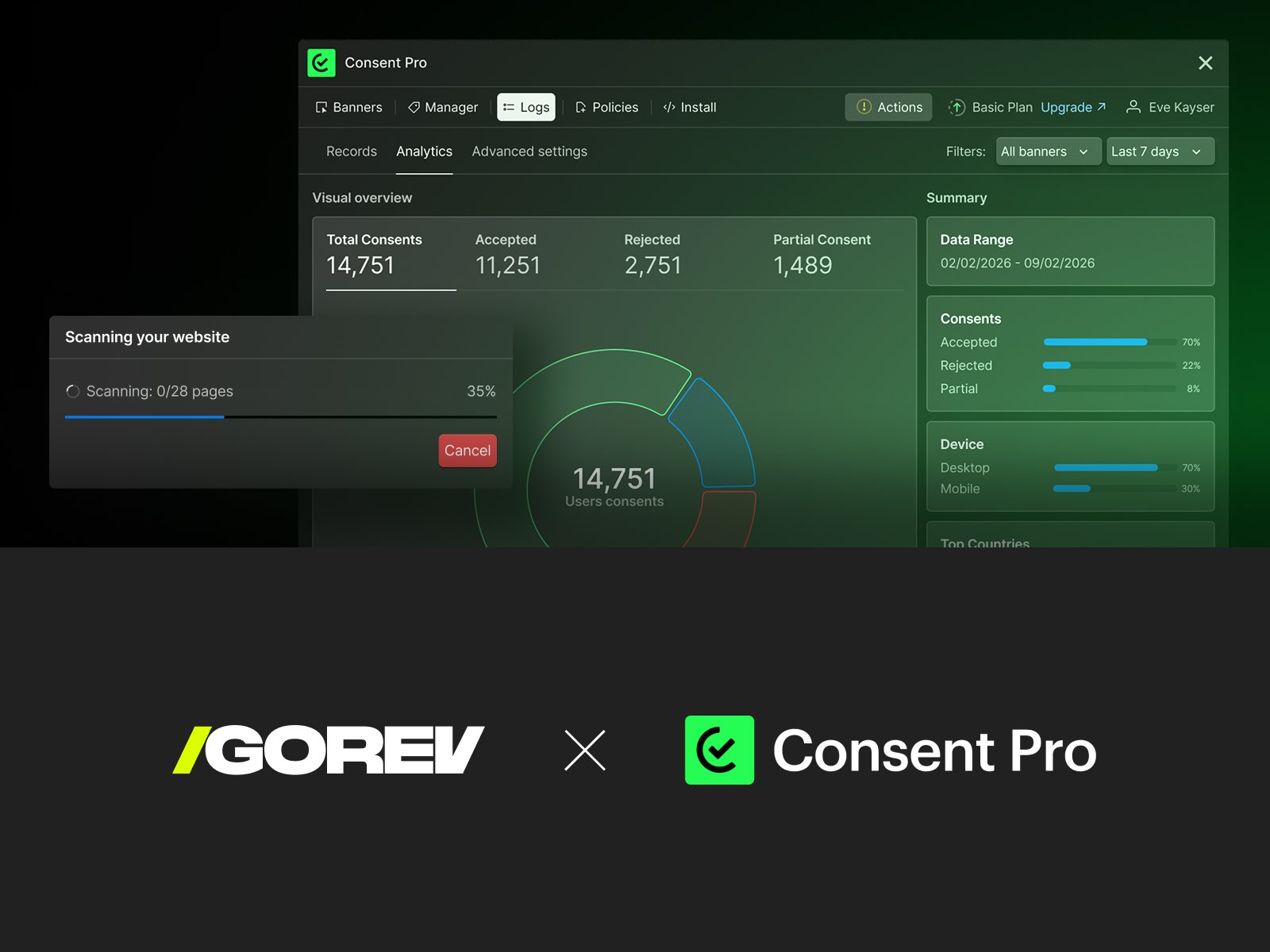
Consent Pro stores consent interactions automatically and allows records to be reviewed and exported as CSV. This gives the team a record of accepted, rejected and partial choices. Consent logs documentation
Premium adds scheduled scans, regional banners and consent analytics. The product also supports Global Privacy Control signals and offers a policy generator. These features serve different needs, so choose the plan around the site's requirements. Generated policies still need to reflect its actual data practices. Plans and features
For a team adding campaigns or embeds regularly, consent checks belong in the same maintenance process as the rest of its Webflow landing page system.
Consent Pro vs CookieYes, Cookiebot and Enzuzo
All four tools offer consent controls and documented Webflow integrations. The table compares their workflow, features and pricing. Cookiebot belongs to Usercentrics and represents one product from that group here. Cookiebot and Usercentrics offerings
The comparison uses provider documentation and our assessment of fit; it is not a benchmark of speed or detection accuracy. Features were reviewed on September 1, 2026. Prices and plan limits were checked on September 2, 2026.
Prices use monthly billing unless annual billing is stated. Dollar amounts are USD; Cookiebot prices are EUR. The table shows standard prices before the IGOREV10 discount. Taxes may be added at checkout.
| Tool | Webflow fit | Features and pricing |
|---|---|---|
Finsweet Consent Pro | For custom or multilingual Webflow sites where the team wants to manage the consent interface in the Designer. | Automatic scanning and blocking; native Webflow embed detection; AI tracker assistance; GTM configuration required |
CookieYes | For teams comfortable managing consent in an external dashboard and adding the installation script to Webflow. | Automatic blocking of recognised scripts; URL patterns or script attributes for exceptions |
Cookiebot | For teams wanting a platform-independent CMP with costs based on page count; installed through a script or GTM. | Scanner and automatic blocking; scan completion and script order matter; GTM tags need consent configuration |
Enzuzo | For teams wanting a Webflow app that brings consent management, policy tools and data-request workflows into one service. | Automatic scanning, categorisation and blocking; consent logs and Google Consent Mode support |
Sources: Consent Pro features and pricing; CookieYes Webflow setup, blocking controls and pricing; Cookiebot Webflow setup, automatic blocking and pricing; Enzuzo Webflow app, Webflow consent features and pricing.
Compare the cost for your site's requirements
CookieYes counts pageviews, Cookiebot counts pages, and Enzuzo counts unique monthly visitors and included domains. A visitor can generate several pageviews, so the traffic allowances are not interchangeable. CookieYes also charges $0.30 per 1,000 extra pageviews on Basic and Pro. CookieYes pricing, Cookiebot pricing, Enzuzo pricing
Compare plans that include the features you need. Consent Pro's regional banners, analytics and scheduled scans require Premium. Its lifetime option can be useful when choosing between paid tools for a site you expect to maintain for several years. It removes recurring licence payments; implementation and maintenance work remain. Free testing on Webflow staging domains lets you evaluate the setup before buying a licence for the live site. Consent Pro plans
What setup and testing involve
Setup includes installing the Webflow app, configuring the banner, reviewing scan results, adding the consent script to the site's head code and assigning the relevant licence. The consent interface can then be styled alongside the rest of the website. Installation documentation
Check behaviour as well as appearance
Before handover, ask the developer to verify these behaviours in a clean browser session, across pages with different integrations:
- Before a choice: activity that requires permission follows the configured consent rules.
- After rejection or partial consent: only the permitted tracking categories activate.
- After changing preferences: subsequent tracking reflects the new choice; previously sent data cannot be recalled by the banner.
- With embedded content: forms, videos and maps behave correctly before and after consent.
- On mobile and with a keyboard: visitors can read the choices, make a selection and reopen preferences.
Google Consent Mode needs a specific check. Basic mode blocks Google tags until consent. Advanced mode can load them with consent denied and send cookieless pings. A request appearing before consent must therefore be assessed against the chosen mode. Google Consent Mode overview
Limits to consider before choosing
GTM still needs configuration. Consent Pro can detect trackers loaded through Google Tag Manager, but its guide includes template, trigger and consent-check setup. Detection also depends on supported trigger arrangements. An existing GTM container should not be assumed to work unchanged. GTM setup guide
Scan coverage depends on the site. Enable Webflow's auto-generated sitemap so the scanner can use it alongside the Webflow API. CMS pages and unlinked pages can otherwise be missed. Draft and password-protected content may need separate review. Sitemap requirements
Check specialised requirements. Consent Pro lists IAB TCF 2.3 and fully automated GTM setup as coming soon. Publishers requiring TCF today need a solution that already supports it. A business using one CMP across several website platforms may also prefer to retain that established setup. Feature availability
Performance is site-specific. We have not run a controlled speed comparison. Test the page before and after consent, including the third-party tools that acceptance activates. Performance documentation
A consent banner also does not establish the website's overall legal compliance. Configuration, integrations and wider data-processing practices still matter. Finsweet's compliance notice
Get 10% off Consent Pro
Use promo code IGOREV10 at checkout to get 10% off Consent Pro.
Lifetime plans: the discount applies once to the licence purchase.
Subscriptions: the discount applies to every payment, including renewals, for the lifetime of the subscription.
Using the prices checked above, Basic lifetime costs $179.10 and Premium lifetime costs $224.10 with IGOREV10, before any applicable taxes.
Our verdict
Consent Pro is a strong fit for Webflow projects where the consent interface needs to follow a custom design and work with the site's integrations. Its implementation workflow and support have made it a useful choice for our agency. For a simpler site already well served by a free plan, an upgrade may offer little benefit. The decision should account for both the licence and the work needed to implement and maintain it.
Our Webflow development work includes integrations, consent setup and handover. If your team needs help with those requirements, tell us about your website.