Webflow vs headless CMS: which architecture fits a marketing website?
Compare Webflow and headless CMS architecture across flexibility, editing, maintenance, hosting and developer dependency to choose the right setup for a marketing website.
September 7, 2026
Headless architecture gives developers enormous flexibility. The more useful question for a marketing website is whether the business actually needs that flexibility, and whether the team is prepared to own the extra layers that come with it.
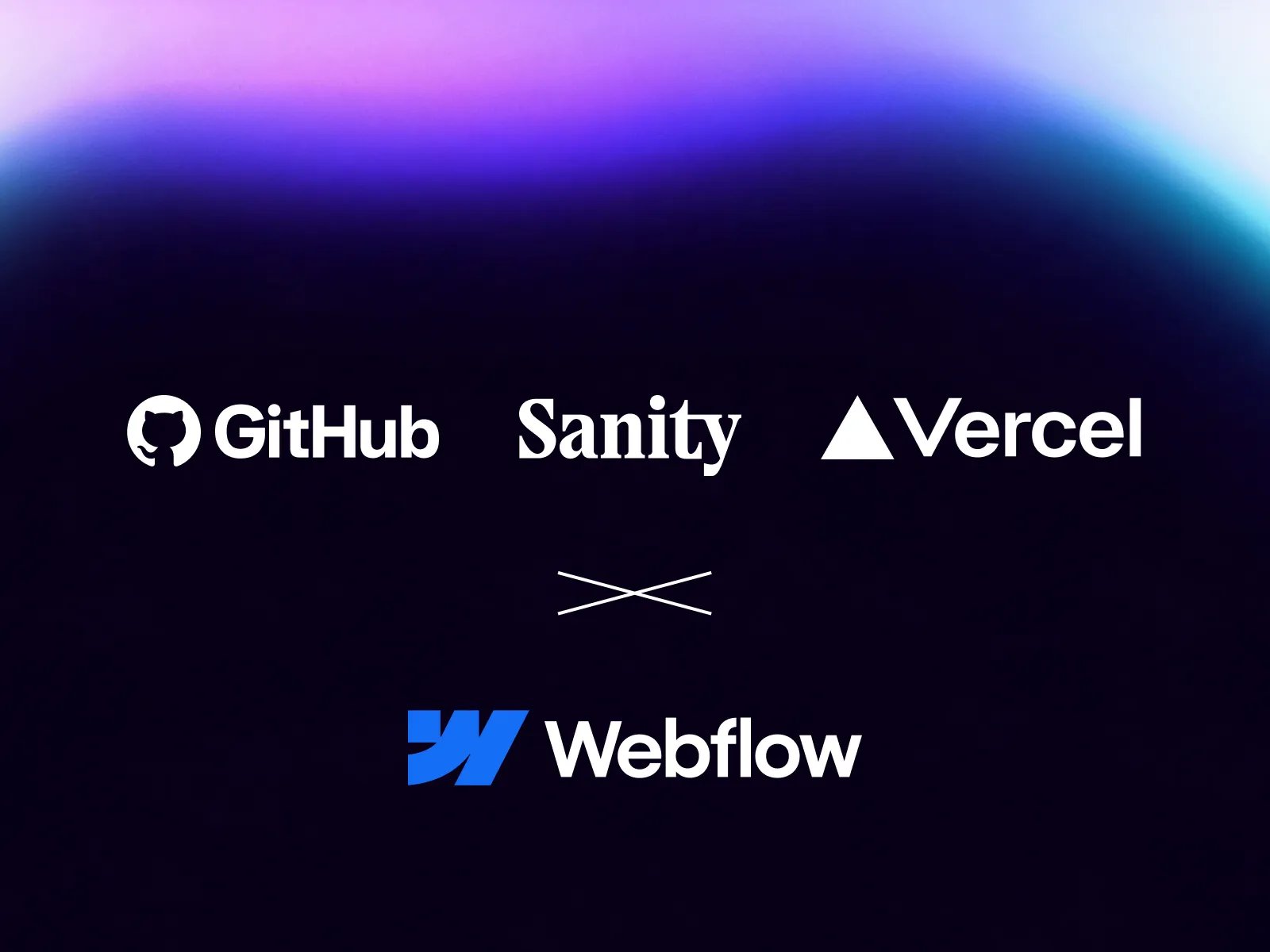
We were reminded of this recently when a client came to us with an existing website built across Sanity, Next.js, GitHub and Vercel. Nothing about the stack was technically wrong. Sanity handled structured content, Next.js rendered the frontend, GitHub stored the source code and Vercel handled deployment. But even relatively small development changes meant understanding several separate layers before we could work confidently.
That experience made the trade-off unusually visible. A custom headless stack can give a company deep control over content models, frontend architecture and editorial workflows. Webflow takes a different approach by bringing more of the website operating system into one platform. For many marketing websites, that difference matters more than the feature checklist.
Webflow vs headless CMS: the short answer
Webflow is usually the stronger fit when the website is primarily a marketing, content or lead-generation platform and the team wants CMS, page building, hosting and publishing managed in one environment. A headless CMS such as Sanity becomes more compelling when structured content needs to power multiple products or channels, the frontend requires deep custom logic, or an internal engineering team already owns the surrounding infrastructure.
Neither approach is automatically more scalable or more professional. The better architecture is the one that solves the real requirements without introducing complexity that the business does not benefit from.
What a headless CMS actually changes
A headless CMS separates content from presentation. Sanity, for example, stores structured content and provides Sanity Studio as the editing environment, while the final website is rendered by a separate frontend. Sanity's documentation describes Studio as a customizable, React-based content workbench that can be tailored to editorial workflows.
In a typical marketing setup, the architecture might look like this:
- Sanity: content model, structured content and editor experience.
- Next.js or Astro: frontend templates, components, routing and rendering.
- GitHub: source code and version control.
- Vercel: build, preview environments and deployment.
That separation is not a flaw. It is the point. The business gains the ability to choose and replace individual layers, reuse content across different frontends and build highly custom experiences. The trade-off is that the website is now the combination of several systems rather than one system.
Next.js officially describes itself as a React framework for building full-stack applications, while Vercel's Git integration can connect a repository and create automatic deployments from code changes. The stack is powerful because each layer is specialized.
How the same responsibility looks in Webflow
Webflow's own headless CMS comparison frames its approach around bringing more of those responsibilities into one operating environment. For a typical marketing website, the same platform can contain the frontend, CMS, reusable components, hosting and publishing workflow.
- Webflow Designer and components: frontend structure and visual system.
- Webflow CMS: structured website content.
- Webflow hosting: managed website delivery.
- Webflow publishing: deployment from the same platform.
This does not mean Webflow replaces every capability of Sanity, Next.js and Vercel. It means many marketing websites do not need those capabilities to be separated in the first place.
That distinction is important. A marketing team that mainly needs to publish articles, launch campaign pages, update services, manage case studies and change page content may get more practical value from one controlled website system than from maximum frontend freedom.
Webflow vs headless CMS at a glance
Area | Webflow | Headless CMS + custom frontend |
|---|---|---|
Content management | Integrated CMS for the website | Dedicated structured content platform |
Frontend | Built and managed in Webflow | Built separately in Next.js, Astro or another framework |
Hosting and deployment | Integrated | Usually a separate deployment platform and Git workflow |
Visual page control | Strong for marketing teams within a governed system | Depends on the frontend implementation |
Structured content flexibility | Strong for website-focused content models | Very high |
Multi-channel content | More website-oriented | Strong fit |
Developer control | High within Webflow's platform model | Very high |
Marketing independence | Usually high when the project is structured well | Depends heavily on the CMS and frontend implementation |
Maintenance surface | Smaller | Larger |
Typical fit | Marketing and content websites | Complex platforms, multi-channel content and application-heavy experiences |
The real cost of headless is not three subscriptions
It is tempting to reduce this comparison to software pricing. Sanity may have a paid plan, Vercel may have a paid plan and Webflow has its own site plans. But subscription cost is usually not the most important difference, and several of these tools can support small projects on free tiers.
The more meaningful cost is ownership complexity. A custom stack can introduce frontend dependencies, repository management, deployment settings, environment variables, preview workflows, framework upgrades, schema changes, integration maintenance and developer onboarding. None of those are reasons to avoid headless architecture. They are simply part of the system the company is choosing to own.
This is where platform comparisons often become misleading. A custom stack may be cheaper in software fees while being more expensive to maintain. An integrated platform may have a higher visible subscription while reducing the amount of engineering required for everyday website operations. Total cost of ownership is broader than the monthly bill.
A headless setup can still be excellent for editors
One criticism of headless architecture is often overstated: the idea that a content editor needs to understand GitHub, Vercel or the frontend framework just to update a headline. In a well-designed system, they should not.
Sanity Studio can be heavily customized around the editorial workflow. Developers can define the content structure, create custom input components, organize documents in ways that match the business and build editing views around the team's needs. For the content team, that can feel extremely simple.
The key point is that this simplicity has to be designed. Someone still needs to define the content model, build the frontend components, connect previews, handle routing, manage deployment and maintain the integrations behind the editor experience. The client may never see those layers, but the development team still owns them.
That can be completely justified. The question is whether the benefit is valuable enough for the specific website.
Where headless architecture clearly wins
There are projects where separating content from the frontend is not overengineering. It is the correct architecture. The strongest case is when the content is not really "website content" at all, but business content that needs to serve several different experiences.
Headless is often the stronger fit when:
- The same content must power a website, mobile app and product interface.
- Several regional websites need to share one structured content source.
- The website contains significant application logic or authenticated product functionality.
- The frontend must share code or infrastructure with an existing software product.
- The company has an internal engineering team that already owns the frontend stack.
- The editorial workflow needs highly customized interfaces or business-specific content operations.
In those cases, the flexibility of Sanity, Next.js, Astro or similar tools is not theoretical. It solves a real architectural requirement.
Where Webflow usually makes more sense
Now consider a different project: a B2B or SaaS marketing website with a homepage, services or solution pages, case studies, resources, articles, team content, campaign landing pages and a contact flow. The team regularly updates messaging, publishes content and launches new pages, but the website itself is not a software application.
For this type of site, separating the CMS, frontend, repository and deployment layer can produce flexibility that the team rarely uses. A well-structured Webflow project can keep reusable components, CMS architecture, responsive layouts and publishing in one operating environment while still giving developers room for custom code and integrations.
This is also where the operational difference becomes obvious. Marketing can work directly with the website system instead of handing routine page changes to an engineering workflow. The development team remains involved when the site needs new structural patterns, complex functionality or deeper integrations, not because every normal campaign requires a code change.
Which architecture fits which requirement?
Requirement | Usually stronger fit | Why |
|---|---|---|
Marketing regularly creates new pages | Webflow | Visual page building and reusable components reduce developer dependency |
Content mainly exists for one marketing website | Webflow | Fewer infrastructure layers to own |
Content must power several apps or channels | Headless | Structured content can be delivered independently of one frontend |
Website behaves like a software product | Headless | Full frontend and application control become more valuable |
Small team without permanent frontend engineers | Webflow | Lower ongoing engineering surface |
Internal engineering team already owns React infrastructure | Headless or either | The operational overhead may already be part of the team's normal workflow |
Highly custom editorial workflow | Headless | Sanity Studio can be deeply tailored to business-specific content operations |
Marketing needs direct layout control within guardrails | Webflow | Components and page-building tools keep content and presentation closer together |
Flexibility should solve a requirement
This is the principle we use when evaluating website architecture: every additional layer should earn its place. A separate CMS should solve something. A custom frontend should solve something. A dedicated deployment setup should solve something. If a layer exists only because it is technically possible, the business is paying for flexibility it may never use.
"More scalable" is not enough by itself. Scalable for what? A marketing team publishing 30 new landing pages a year has a different scalability problem from a product company delivering structured content to five applications and 20 markets.
Architecture should be designed around the operating reality of the website after launch, not around what looks most technically impressive during the initial build.
A practical decision test
Before choosing Webflow or a headless stack, answer these six questions. They reveal more than a generic feature comparison because they focus on ownership and operating model.
- Does the same content need to power more than one frontend? If the answer is yes, headless becomes much more valuable.
- Who owns the website after launch? If marketing is the primary owner, optimize for editorial and page-building independence. If engineering owns it, a code-first workflow is easier to justify.
- Does the website behave like a marketing site or like a software application? Complex state, authentication and product logic move the decision toward a custom frontend.
- How often does the team create new page layouts? Frequent campaign work increases the value of controlled visual page building.
- Is complete frontend framework control a business requirement? If nobody can identify the requirement that needs it, the extra freedom may not create practical value.
- Does the team already maintain this type of infrastructure? A stack that feels heavy to a marketing-led company may be completely normal inside a product engineering organization.
What our recent project changed in our thinking
The Sanity, Next.js, GitHub and Vercel project that triggered this article was not an example of bad technology. Each tool was doing exactly what it was designed to do. What changed was our perspective on the cost of separation.
As the incoming development team, we needed access to the CMS, repository and deployment layer before we could confidently make even relatively simple changes. In a Webflow project, many of those responsibilities would normally exist inside one platform. For a sufficiently complex website, the separation is valuable. For a standard marketing website, it can become architecture that exists largely because it can.
The lesson is not that Sanity is inconvenient or that every website should move to Webflow. The lesson is that flexibility creates complexity, and complexity should earn its place in the architecture.
When a Webflow migration is worth considering
If an existing headless site works well, there is no reason to migrate simply because the stack has more parts. Replatforming has its own cost and risk. The case becomes stronger when the business repeatedly depends on developers for routine marketing work, the frontend is expensive to maintain, the editorial workflow is awkward, or the stack is significantly more capable than the website requirements justify.
In that situation, a Webflow migration can reduce the number of systems the team has to own while preserving the parts that matter: content structure, URLs, SEO foundations, reusable templates and integrations. The migration decision should still be based on a full audit rather than on platform preference.
Our broader article on whether Webflow is still relevant in an AI and code-first landscape looks at the same issue from a wider angle. The recurring idea is the same: the first version of a website is not the hard part. The long-term operating system is.
Sometimes simpler is the more sophisticated architecture
Technology decisions are often evaluated by asking which system can do more. For a marketing website, that is rarely the most useful question. A better architecture gives the business enough capability without creating unnecessary ownership.
Sanity and modern frontend frameworks can support extraordinarily flexible digital platforms. For the right product, that flexibility is worth every additional layer. But when the requirement is a scalable marketing website that a team can publish, expand and maintain without permanent frontend involvement, an integrated platform such as Webflow may be the more deliberate choice.
Sometimes buying the airport makes sense. Most companies just needed the flight.
If the current website architecture feels heavier than the work it supports, our Webflow development and migration work starts with the same question: what does the team actually need to own after launch?