Webflow vs WordPress for B2B Websites
Compare Webflow and WordPress for a B2B marketing site by testing editorial handoff, plugin dependency, maintenance and migration risk.
Choose for the team that runs the site
For a new B2B marketing site, start with Webflow if your team wants a visual workflow for campaigns and structured content, and the required integrations fit. Keep or choose WordPress when your editorial processes, publishing integrations or essential plugins already work there. This comparison is about self-hosted WordPress, including managed hosting, whose support and responsibilities vary by provider.
| Factor | Webflow | WordPress |
|---|---|---|
Publishing | Visual editing and CMS within Webflow roles and plan limits. | Block editor and configurable roles; workflow depends on theme and plugins. |
Extending the site | Native features, integrations and custom code within platform constraints. | Themes, plugins and custom code; more combinations to maintain. |
Maintenance owner | Managed platform; the team still owns the site design, content and integrations. | Agree who owns hosting, updates, restores and compatibility testing. |
Migration | Map content, URLs and integrations before rebuilding. | An existing site may keep its editorial and plugin workflows if you redesign in place. |
Run an editorial handoff test
Give an editor three tasks: update a service, publish a case study, and build a landing page from existing sections. Observe where editing stops and where the team needs a developer. Webflow’s content editor roles and the WordPress block editor give two different starting points. Neither compensates for an unclear content model or an inconsistent component library.
Identify dependencies you cannot lose
List the plugins and integrations that affect revenue or editorial work: forms, CRM, search, multilingual workflows, memberships and ecommerce. Decide which are essential, what replaces each one, and who tests it. In WordPress, plugins can extend the platform; their version compatibility and updates still need an owner. See WordPress plugin management and WordPress updates.
Evaluate SEO, performance and cost together
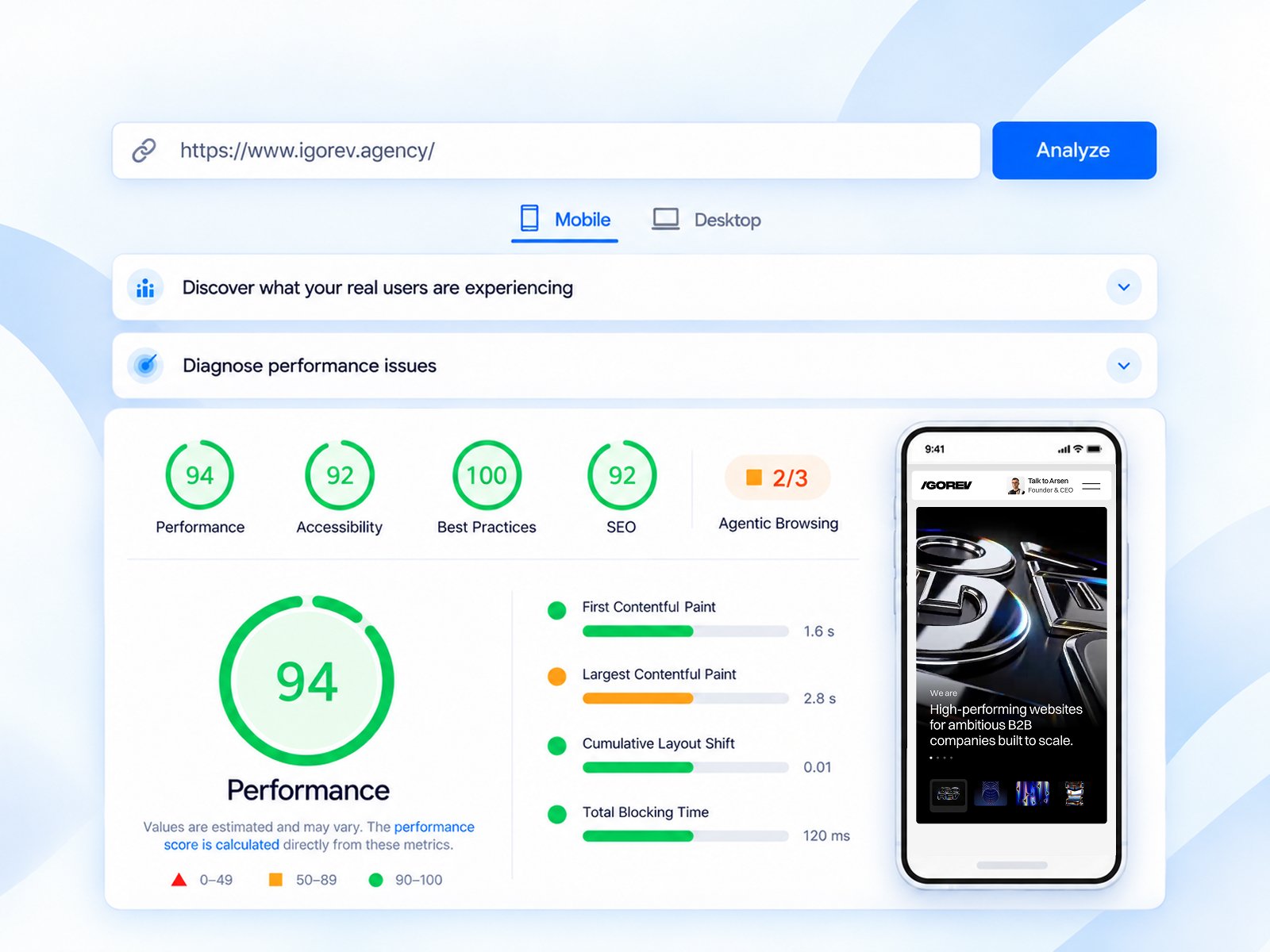
Compare a representative page on real devices with the same media and tracking. Hosting, caching, themes, scripts and the implementation all affect performance. For a migration, inventory URLs, metadata and templates, and test redirects and canonical URLs before launch. Webflow’s redirect guide explains configuration; it does not replace a migration map.
Budget for platform or hosting fees, theme and plugin licences, integration support, updates, backups and editorial handoff. Moving platforms adds content mapping and launch QA. If the main problem is a dated design and WordPress supports the business, compare an in-place redesign against migration before choosing.
What to do next
Keep WordPress if its editorial or plugin workflows are hard to replace and you can own maintenance. Scope Webflow if visual ownership and repeatable marketing pages matter more and you have a workable path for each dependency. Transcenda shows how we structure a Webflow marketing site for services, industries, case studies and insights. It is an example of our Webflow delivery, not a WordPress migration.