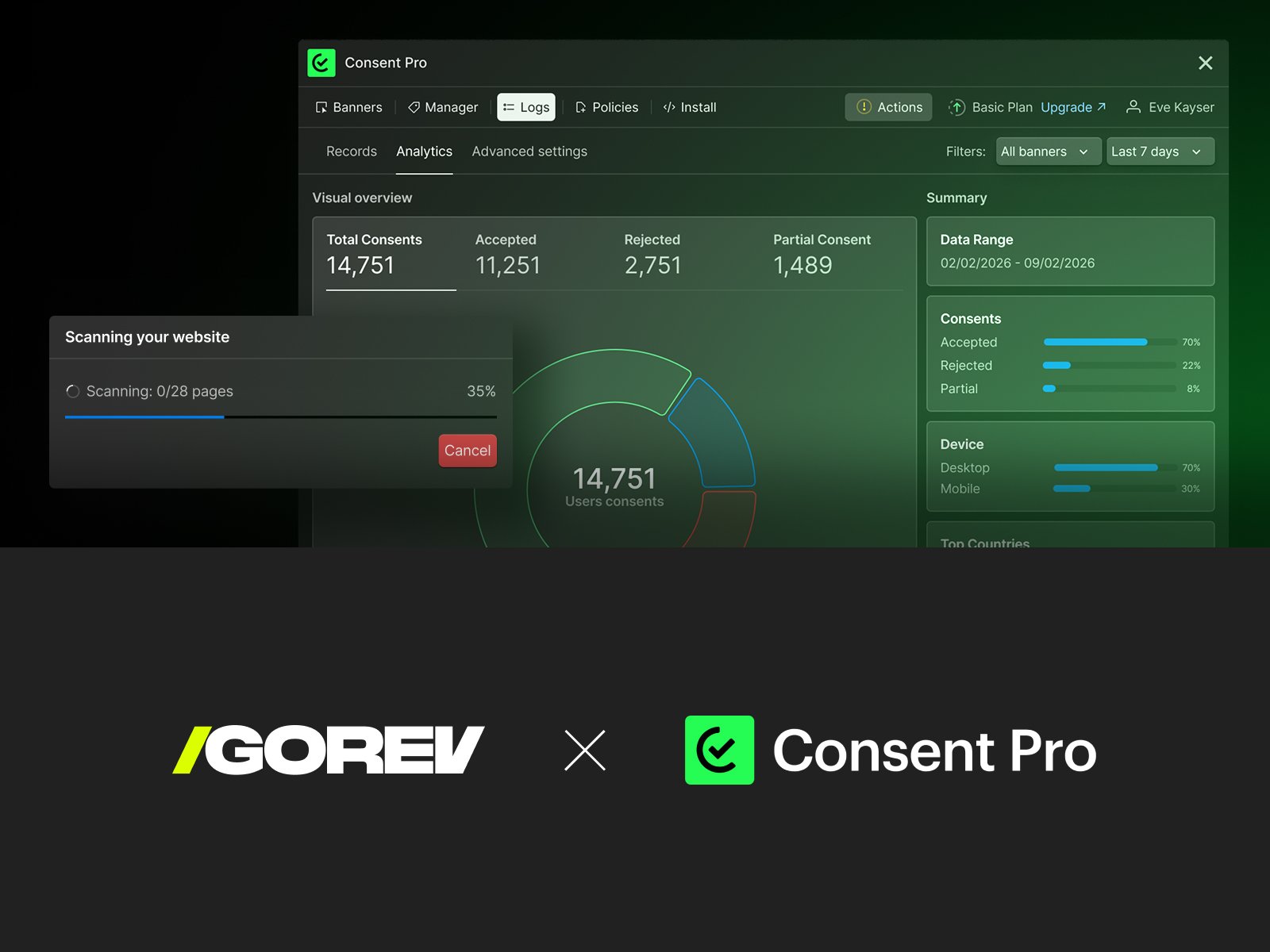
Finsweet Consent Pro Website Integration
Connect consent choices to analytics and advertising tags on a Webflow site.

Where Finsweet Consent Pro fits
Connect consent choices to analytics and advertising tags on a Webflow site.
Connect it to your website
Install the product using Finsweet’s current Webflow setup. Map its categories to the tags you run, initialize Google consent defaults before measurement and decide how non-Google tags should be controlled. Keep a visible way to reopen preferences.
A practical implementation
For a fresh visitor, test rejection, analytics-only acceptance, full acceptance and withdrawal. Document which tags run in each case. Repeat in the regional modes you use, and include any embedded scheduling or video widgets in the test.
What to check before launch
The banner is only one part of consent configuration. Scripts placed directly in custom code can behave separately from GTM. Audit their loading and apply the privacy rules agreed for your business.
Map consent categories to actual tags
Create a tag inventory covering GA4, Meta Pixel, Microsoft Clarity, embedded schedulers and any tracking scripts installed outside GTM. Classify them according to the site's approved privacy requirements. For Google's tags, configure the relevant Consent Mode signals, including analytics_storage, ad_storage, ad_user_data and ad_personalization where applicable. Non-Google tools need their own supported consent controls.
Verify timing, rejection and withdrawal
Use a fresh browser profile for each scenario: initial visit, reject, accept selected categories, accept all and withdraw. Confirm the default is established before the relevant tags execute, then inspect the updates and actual behavior. Basic and advanced Google Consent Mode differ in how denied states are handled, so do not use the mere presence of a network request as proof of a violation or of compliance. A consent banner is a technical control, not a guarantee of legal compliance.
Frequently asked questions
Where can I compare features and plans?
Use our Finsweet Consent Pro review for the product evaluation. This guide covers configuration and testing.
Finsweet Consent Pro official documentation
Do non-Google scripts follow Consent Mode automatically?
Validate each script independently. Use the CMP’s category controls or the tag’s documented consent integration.
Can Consent Pro fix tags that were installed before the banner?
Not automatically. Inventory existing scripts and configure each integration to follow the intended consent policy, then test it in the published environment.
Google consent mode implementation
Related guides
Igorev’s Finsweet Consent Pro review